VPNs, Firewalls, Endpoint Security: What Does Your Team Really Need?


Cybersecurity should be at the top of the priority list for small and medium-sized organizations, especially those with dispersed workforces. According to the UK government, more than four in 10 organizations experienced a data breach or cyberattack in the 12 months leading up to June 2025.
Failing to introduce the right digital security tools (such as ExpressVPN for Teams, a beta stage product that is covered later in this blog) leaves teams vulnerable to attack. Unfortunately, there’s no clear-cut solution.
The market has become saturated with countless security and privacy tools, leading to confusion and indecision. Some organizations are enamored by the convenience offered by password managers, while others purchase intrusion prevention systems (IPS) without knowing how it augments their protection.
Bottom line: security fatigue is rife.
Navigating Different Network Security Options
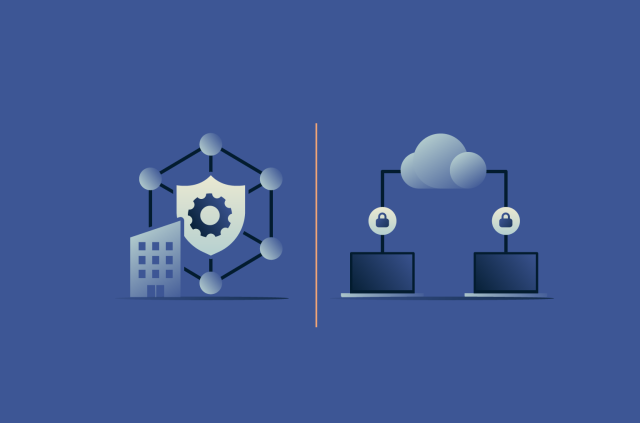
The three tools that appear most often during an organization’s search for the ideal cybersecurity setup are virtual private networks (VPNs), firewalls, and endpoint security.
A VPN addresses one of the most fundamental challenges facing modern teams: keeping data protected whilst it travels across the internet. By encrypting traffic and masking a user’s IP address, third parties on the network are prevented from intercepting sensitive information.
In contrast, a firewall doesn’t secure data in transit, but instead acts as a gatekeeper. This involves monitoring and blocking incoming and outgoing traffic based on predefined security rules. Its purpose is to stop malicious or unauthorized traffic while allowing legitimate data to pass through.
Meanwhile, endpoint security focuses on protecting the devices themselves: laptops, desktops, and smartphones. Although there are several types, most come equipped with antivirus protection, alongside features such as:
- Network access control: Monitors and controls a device’s inbound and outbound traffic
- Application control: Manages which applications a device can run
- Incident response: Provides tools to investigate and resolve security incidents affecting a device (for example, blocking internet access so that malware can’t extract data)
Challenges For Remote And Hybrid Teams
Once you’ve learned about each tool, the next step in your cybersecurity journey is to identify which solution you actually need. One of the main challenges smaller organizations face is the expectation to deploy an all-encompassing IT security ecosystem from day one. For many, this isn’t realistic, due to both cost and knowledge limitations. Full-fat online security suites—and the IT experts who manage them—cost big bucks. Finding the right fit for your startup isn’t likely to happen overnight, either.
The pressure is even more acute if you’re building a team that includes remote and flexible workers. Early-stage companies might let employees use personal devices to help keep costs down, while hybrid working also means team members may connect over unsecured public Wi-Fi. The time to consider an enterprise-level stack will come—but today, Phil from finance is about to share the quarterly report from Starbucks’ free Wi-Fi.
That’s why small, medium-sized, and growing teams need flexible and affordable digital security that offers powerful, essential protections without breaking the bank.
ExpressVPN for Teams: The Optimal Solution
This is where ExpressVPN for Teams comes in. Currently available to try as a beta release, it’s specifically designed for small, medium, and growing organizations, providing sophisticated protection without burning a hole in your budget.
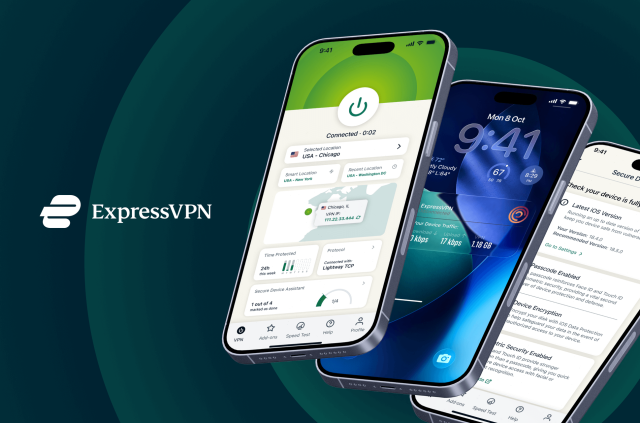
ExpressVPN for Teams fills the holes in coverage that other tools can’t, safeguarding both your team and your data. For example, the Internet Kill Switch ensures that all online traffic is automatically blocked in the event of a VPN connection drop, preventing data leaks. Meanwhile, Threat Manager continuously scans for malware, maintaining an always-on layer of protection.
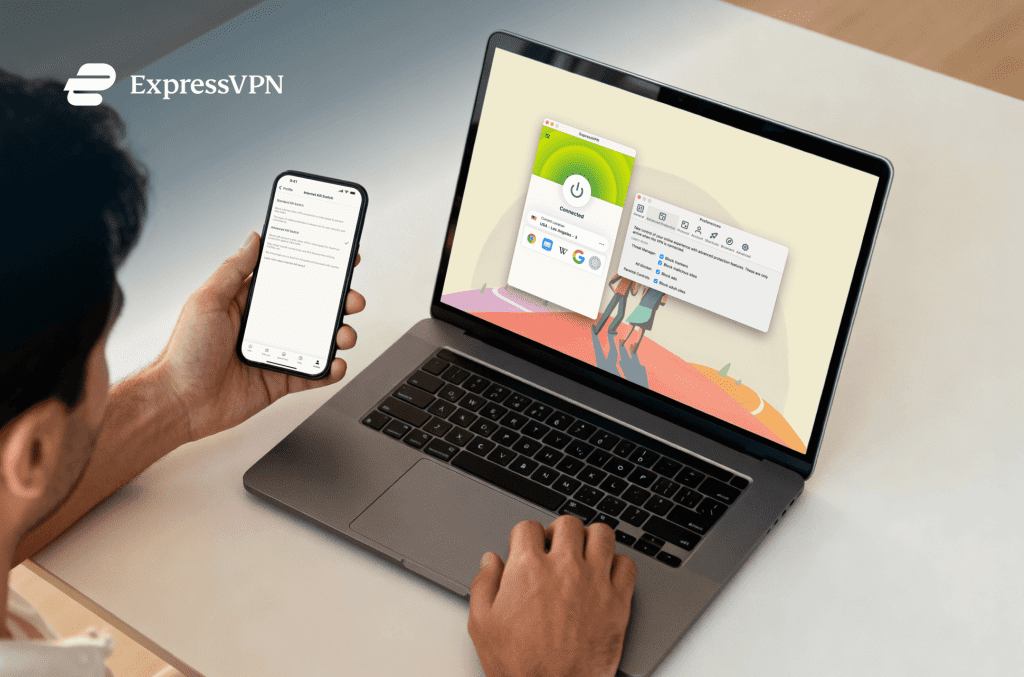
One of ExpressVPN for Teams’ most important features, Threat Manager, is easy to enable.
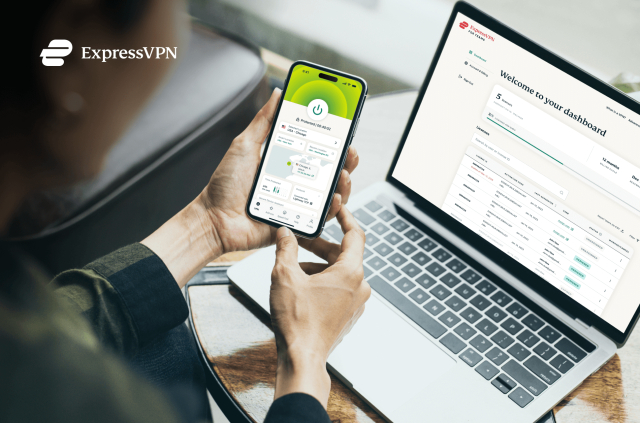
And that’s just the start. Volume discounts enable you to scale your digital protection cost-effectively. Administrators can set up users in less than five minutes, while license management and server access can be controlled from a single, centralized dashboard. This eliminates the time and complexity involved in managing multiple individual accounts.
It’s true that no single tool can guarantee total protection. However, ExpressVPN for Teams delivers an agile, powerful cybersecurity foundation that sets up small and medium-sized organizations for digital security success. It emphasizes flexibility and simplicity, without sacrificing the high standard of protection required in today’s connected world.
Learn more about simple, powerful VPN security built for modern teams
Get ExpressVPN for Teams30-DAY MONEY-BACK GUARANTEE for new users